Airbnb cleaning task list
The Airbnb cleaning task list: 154 illustrated tasks to build your short-term rental cleaning checklist. Keep yours, write nothing.
Cleaning
17 tasks
Floors, dust, bins, fresh air: the core of every turnover, and what a guest notices first.
![An open window]()
Air out the home
Every cleaning
Read the guide![A watering can]()
Water the plants
Every cleaning
Read the guide![A handheld vacuum]()
Vacuum the corners
Every cleaning
Read the guide![A hand broom and dustpan]()
Sweep the floors
Every cleaning
Read the guide![An outdoor push broom]()
Sweep the terrace
Every cleaning
Read the guide![A feather duster]()
Dust the surfaces
Every cleaning
Read the guide![A disinfectant spray and a cloth]()
Disinfect surfaces
Every cleaning
Read the guide![A robot vacuum, seen from above]()
Start the robot vacuum
Every cleaning
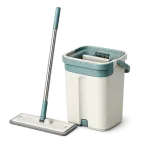
Read the guide![A flat mop and bucket]()
Mop the floors
Every cleaning
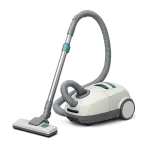
Read the guide![A canister vacuum cleaner]()
Vacuum the floors
Every cleaning
Read the guide![A cordless stick vacuum]()
Run the stick vacuum
Every cleaning
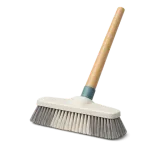
Read the guide![A broom with a wooden handle]()
Sweep up
Every cleaning
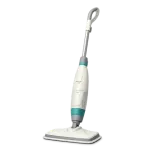
Read the guide![A steam mop]()
Run the steam mop
Every cleaning
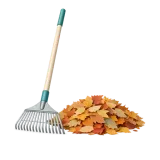
Read the guide![A rake and a pile of leaves]()
Rake the leaves
Every cleaning
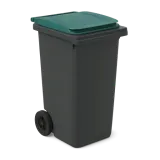
Read the guide![A large green wheelie bin]()
Take out the bins
Every cleaning
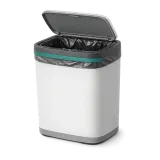
Read the guide![A kitchen bin]()
Empty the bins
Every cleaning
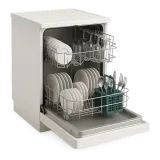
Read the guide![A dishwasher full of clean dishes]()
Empty the dishwasher
Every cleaning
Read the guide


Finishing
44 tasks
Taps, oven, hood, windows: what turns clean into spotless, often on a slower schedule.
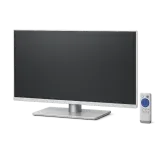
![A television and its remote]()
Dust the TV
Every cleaning
Read the guide![A bunch of artificial flowers in a vase]()
Dust the artificial flowers
Every cleaning
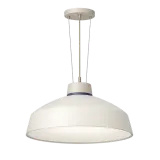
![A pendant ceiling light]()
Dust the lights
Every month
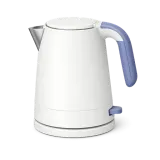
Read the guide![An electric kettle]()
Descale the kettle
Every month
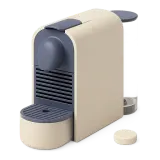
Read the guide![A coffee machine and a descaling tablet]()
Descale the coffee machine
Every 3 months
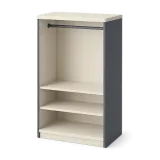
Read the guide![An open wardrobe with empty shelves and a rail]()
Wipe the inside of the wardrobes
Every cleaning
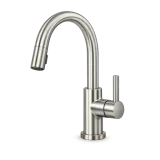
![A brushed kitchen tap]()
Shine the taps
Every cleaning
Read the guide![A small indoor staircase with its handrail]()
Clean the staircase
Every cleaning
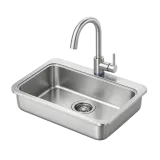
![A clean kitchen sink]()
Clean the sink
Every cleaning
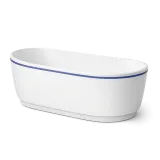
Read the guide![A freestanding bathtub]()
Clean the bathtub
Every cleaning
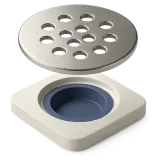
Read the guide![A shower drain cover lifted out]()
Clean the shower drain
Every 4 cleanings
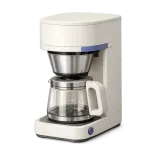
Read the guide![A filter coffee maker]()
Clean the coffee maker
Every month
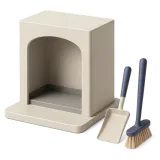
Read the guide![A fireplace with shovel and brush]()
Clean the fireplace
Every month
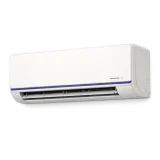
Read the guide![A wall air conditioning unit]()
Clean the AC unit
Every month
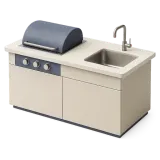
Read the guide![An outdoor kitchen: worktop, grill and sink]()
Clean the outdoor kitchen
Every cleaning
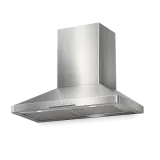
Read the guide![A stainless steel range hood]()
Clean the hood
Every 8 cleanings
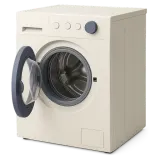
Read the guide![A washing machine, door ajar]()
Clean the washing machine
Every month
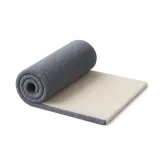
Read the guide![A plush carpet, rolled up]()
Clean the carpet
Every month
Read the guide![A shower screen and a squeegee]()
Clean the shower screen
Every cleaning
Read the guide![A pool skimmer net on a pole]()
Clean the pool
Every cleaning
Read the guide![An electric griddle and a spray]()
Clean the griddle
Every 4 cleanings
Read the guide![A glass ceramic induction hob]()
Clean the hob
Every cleaning
Read the guide![A ventilation vent grille, removed]()
Clean the air vent
Every 3 months
Read the guide![A covered barbecue on legs]()
Clean the barbecue
Every 4 cleanings
Read the guide![An empty, clean freezer drawer]()
Clean the freezer
Every 3 months
Read the guide![A built-in oven, door closed]()
Clean the oven
Every 6 cleanings
Read the guide![An empty fridge, door ajar]()
Clean the fridge
Every 4 cleanings
Read the guide![A toaster and a brush]()
Clean the toaster
Every 6 cleanings
Read the guide![A round outdoor hot tub with wood surround]()
Clean the hot tub
Every cleaning
Read the guide![A bathroom washbasin]()
Clean the washbasin
Every cleaning
Read the guide![An open, empty dishwasher]()
Clean the dishwasher
Every month
Read the guide![A microwave, sponge and cloth]()
Clean the microwave
Every 4 cleanings
Read the guide![A garden table and two chairs]()
Clean the garden furniture
Every cleaning
Read the guide![A large parasol on its base]()
Clean the parasol
Every cleaning
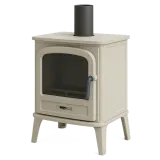
Read the guide![A wood burning stove, door closed]()
Clean the wood stove
Every month
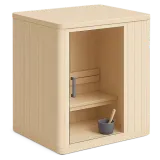
Read the guide![A wooden sauna cabin]()
Clean the sauna
Every 4 cleanings
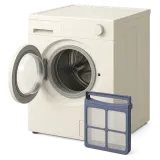
Read the guide![A tumble dryer with its lint filter out]()
Clean the tumble dryer
Every 6 cleanings
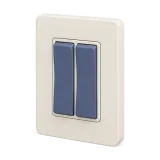
Read the guide![A wall light switch with two rockers]()
Clean the light switches
Every cleaning
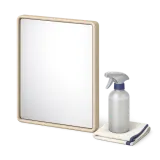
![A mirror, a spray and a cloth]()
Clean the mirrors
Every cleaning
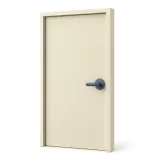
Read the guide![A closed interior door with its handle]()
Clean the doors
Every cleaning
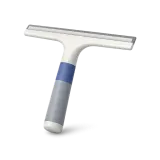
![A window squeegee]()
Clean the windows
Every month
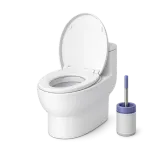
Read the guide![A toilet and its brush]()
Clean the toilet
Every cleaning
Read the guide![Two sun loungers with cushions]()
Tidy the loungers
Every cleaning
Read the guide![A long-handled cobweb duster]()
Remove the cobwebs
Every month
Read the guide




Linen
19 tasks
Sheets, towels and tea towels to change, wash and put back, with a guide for folding.
![A folded duvet]()
Change the duvet
Every month
Read the guide![A folded duvet cover]()
Change the duvet cover
Every cleaning
Read the guide![A tablecloth and napkins]()
Change the tablecloth & napkins
Every cleaning
Read the guide![A folded mattress protector]()
Change the mattress protector
Every month
Read the guide![A folded bath mat]()
Change the bath mat
Every cleaning
Read the guide![A stack of folded sheets]()
Change the sheets
Every cleaning
Read the guide![A stack of bath towels]()
Change the bath towels
Every cleaning
Read the guide![Folded hand towels]()
Change the hand towels
Every cleaning
Read the guide![Folded pillowcases]()
Change the pillowcases
Every cleaning
Read the guide![Folded tea towels]()
Change the kitchen towels
Every cleaning
Read the guide![A drying rack with linen]()
Hang the laundry to dry
Every cleaning
Read the guide![A washing machine and a basket]()
Run a wash
Every cleaning
Read the guide![A basket of used linen]()
Collect the dirty laundry
Every cleaning
Read the guide![A folded blanket]()
Put back the blanket
Every month
Read the guide![A pair of hotel slippers]()
Restock the slippers
Every cleaning
Read the guide![Folded washcloths]()
Set out the washcloths
Every cleaning
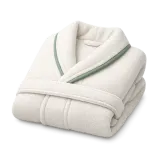
Read the guide![A folded bathrobe]()
Set out the bathrobes
Every cleaning
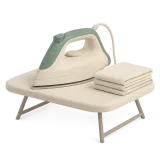
Read the guide![An iron on its ironing board]()
Iron the linen
Every cleaning
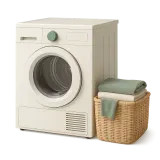
Read the guide![A tumble dryer and a basket]()
Dry in the tumble dryer
Every cleaning
Read the guide
Restock
40 tasks
Toilet paper, coffee, soap, bin bags: everything that runs out between stays.
![A toilet rim block and tablets]()
Replace the toilet block
Every 2 weeks
Read the guide![A spare LED bulb]()
Leave a spare bulb
Every cleaning
Read the guide![A dish brush next to a folded cloth]()
Set out the dish brush and cloth
Every cleaning
![Three bottles: shampoo, shower gel and body wash]()
Refill gel, shampoo & soap
Every cleaning
Read the guide![A bottle of shower gel]()
Refill the shower gel
Every cleaning
Read the guide![Washing-up liquid and a sponge]()
Refill the dish soap
Every cleaning
Read the guide![A hand soap dispenser]()
Refill the hand soap
Every cleaning
Read the guide![A bottle of shampoo]()
Refill the shampoo
Every cleaning
Read the guide![An all-purpose spray and a cloth]()
Refill the all-purpose spray
Every cleaning
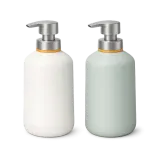
Read the guide![Two pump dispenser bottles]()
Refill the shower dispensers
Every cleaning
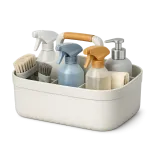
Read the guide![A caddy of cleaning products]()
Restock the cleaning products
Every cleaning
Read the guide![A bottle of sparkling water]()
Restock the sparkling water
Every cleaning
Read the guide![A roll of kitchen paper]()
Restock the paper towels
Every cleaning
Read the guide![A bottle of still water]()
Restock the water bottles
Every cleaning
Read the guide![Coffee capsules in assorted colours]()
Restock the coffee capsules
Every cleaning
Read the guide![Laundry detergent pods]()
Restock the laundry pods
Every cleaning
Read the guide![Folded microfibre cloths]()
Restock the microfiber cloths
Every cleaning
Read the guide![Three small jars of jam]()
Restock the jams
Every cleaning
Read the guide![Cotton pads and cotton buds]()
Restock the cotton pads
Every cleaning
Read the guide![A stack of coffee filters]()
Restock the coffee filters
Every cleaning
Read the guide![A pair of rubber gloves]()
Restock the cleaning gloves
Every cleaning
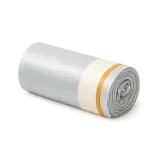
Read the guide![A roll of bin liners]()
Restock the large bin bags
Every cleaning
Read the guide![Wood pellets and their sack]()
Restock the wood pellets
Every cleaning
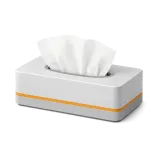
Read the guide![A box of tissues]()
Restock the tissues
Every cleaning
Read the guide![Dishwasher tablets]()
Restock the dishwasher tablets
Every cleaning
Read the guide![A roll of small bin liners]()
Restock the small bin bags
Every cleaning
Read the guide![Tea bags with tags]()
Restock the tea bags
Every cleaning
Read the guide![A stack of split logs]()
Restock the firewood
Every cleaning
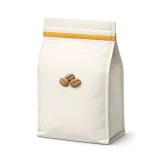
Read the guide![A bag of coffee beans]()
Restock the coffee beans
Every cleaning
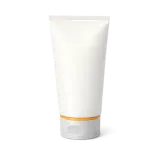
Read the guide![A tube of toothpaste]()
Restock the toothpaste
Every cleaning
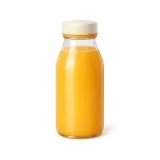
Read the guide![A bottle of orange juice]()
Restock the orange juice
Every cleaning
Read the guide![A bottle of milk]()
Restock the milk
Every cleaning
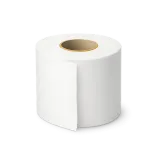
Read the guide![A roll of toilet paper]()
Restock the toilet paper
Every cleaning
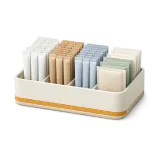
Read the guide![Sugar sticks in a small box]()
Restock sugar & amenities
Every cleaning
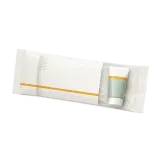
Read the guide![A wrapped dental kit]()
Restock the dental kit
Every cleaning
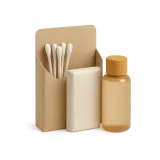
Read the guide![A bathroom kit: cotton swabs, soap and shampoo]()
Restock the bathroom kit
Every cleaning
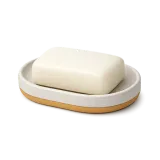
Read the guide![A bar of soap on its dish]()
Restock the bar soap
Every cleaning
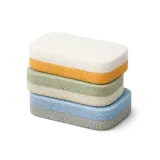
Read the guide![Three cleaning sponges]()
Replace the sponges
Every cleaning
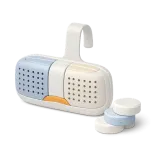
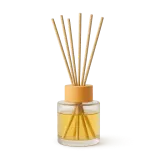
Read the guide![A reed diffuser]()
Refill the diffuser
Every 2 months
Read the guide![An air freshener spray]()
Check the air freshener
Every cleaning
Read the guide






Comfort
17 tasks
Heating, curtains, wifi, cushions, plus tasks that only appear when a pet or a baby is coming.
![A towel rail and a folded towel]()
Switch on the towel warmer
Every cleaning
Read the guide![A folded curtain panel]()
Open the curtains
Every cleaning
Read the guide![Two remote controls in a tray]()
Gather the remote controls
Every cleaning
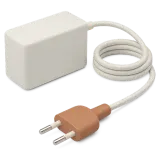
Read the guide![A mains charger and its cable]()
Recharge the batteries
Every cleaning
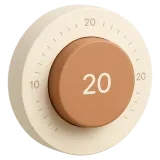
Read the guide![A round wall thermostat]()
Set the temperature to 20 °C
Every cleaning
Read the guide![Two decorative cushions]()
Plump the cushions
Every cleaning
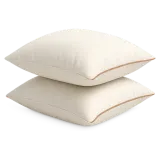
Read the guide![Two plump pillows]()
Plump the pillows
Every cleaning
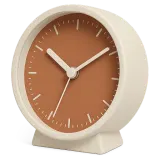
Read the guide![A small table clock]()
Set the clocks to the right time
At daylight saving changes
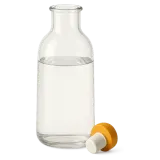
Read the guide![A glass water bottle and its stopper]()
Refill the water bottle
Every cleaning
Read the guide![A steel pet bowl filled with water]()
Fill the water bowl
Only when a pet is reported
Read the guide![A steel pet bowl filled with kibble]()
Set out the food bowl
Only when a pet is reported
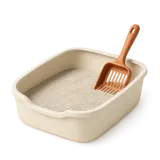
Read the guide![A clean litter tray and its scoop]()
Set out the litter box
Only when a pet is reported
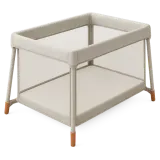
Read the guide![A travel cot, set up]()
Set out the travel cot
Only when a baby is reported
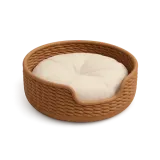
Read the guide![A pet bed with its cushion]()
Set out the pet bed
Only when a pet is reported
Read the guide![A cylindrical water heater]()
Check the hot water
Every cleaning
Read the guide![A wifi router and its access card]()
Check the wifi
Every cleaning
Read the guide![Rechargeable batteries in a row]()
Check the batteries
Every cleaning
Read the guide



Gifts
17 tasks
Fruit, wine, chocolates, flowers: the welcome touches guests mention in their reviews.
![An assortment of colourful sweets]()
Leave welcome sweets
Every cleaning
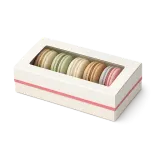
Read the guide![A small box of macarons]()
Leave macarons
Every cleaning
Read the guide![A basket of fresh fruit]()
Leave the fruit basket
Every cleaning
Read the guide![A wrapped gift with a ribbon]()
Leave the welcome gift
Every cleaning
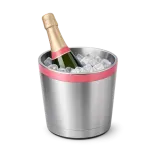
Read the guide![A champagne bottle in an ice bucket]()
Leave the champagne
Every cleaning
Read the guide![A few wrapped chocolate squares]()
Leave the chocolate
Every cleaning
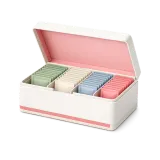
Read the guide![An open tea gift box]()
Leave the tea gift box
Every cleaning
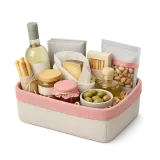
Read the guide![A hamper of local produce]()
Leave the gourmet basket
Every cleaning
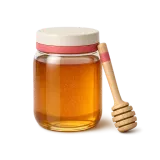
Read the guide![A jar of honey and a wooden dipper]()
Leave a jar of honey
Every cleaning
Read the guide![An artisan soap tied with a ribbon]()
Leave an artisan soap
Every cleaning
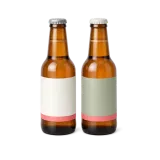
Read the guide![Two bottles of craft beer]()
Leave a local beer
Every cleaning
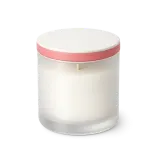
Read the guide![A scented candle in a glass jar]()
Leave a scented candle
Every cleaning
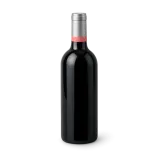
Read the guide![A bottle of red wine]()
Leave a bottle of wine
Every cleaning
Read the guide![A small bunch of fresh flowers]()
Arrange fresh flowers
Every cleaning
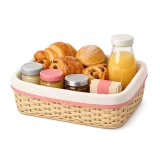
Read the guide![A breakfast basket: pastries, juice and jam]()
Set up the breakfast basket
Every cleaning
Read the guide![A colouring book and pencils]()
Set out the coloring books
Only when a baby is reported
Read the guide![A plush teddy bear]()
Set out the plush toys
Only when a baby is reported
Read the guide






Building your cleaning checklist
Start from the real property
A good checklist looks like the property it describes. A studio has no terrace to sweep, while a holiday home often has a pool.
Walk through the rooms, then keep only what actually exists. A useless task ends up ticked without being done, and the list loses its value.
Space out what can wait
Floors, bins and sheets come back at every cleaning. The oven, the hood or the kettle can wait four cleanings, or a month.
These spaced tasks only appear on the day they are due, with the date they were last done. Today's list stays short.
Fit the list to the guest
The travel cot or the pet bowl only shows up when a baby or a pet is announced. Clock changes have their own task too.
Welcome touches work like everything else: one line in the list, one tick when it is done. They cost little and often end up in reviews.
Give a clear instruction
The illustration is understood even by a cleaner who struggles with English. Each task can also carry a tip, the place where it happens and, for restocking, the quantity to leave.
The practical guides explain the gesture, such as folding a fitted sheet. A few photos at the end show you the property without going there.
Review after a few stays
After three or four stays, go through the list with your cleaner. Remove what they always skip, and add what a guest pointed out.
Issues reported during cleanings, a dead bulb or a missing product, also tell you what to add. A list that follows the property is a list people respect.
Frequently asked questions
How many tasks are in the library?
154 tasks in six themes, each with its illustration and default frequency. A task added in the app appears here too.
Can I edit a task or add my own?
Yes: frequency, tip, location, and you can create a task that is not in the library. Each property has its own checklist.
How do spaced tasks work?
They come back every few cleanings, or every week or month. Your cleaner only sees them on the day they are due.
What does the cleaner see during the cleaning?
The property's checklist, one task at a time: the illustration, the name, the tip, then a tick.
Do I pay extra for the library?
No. It comes with CleanClac, free for one property, and every task stays available when you add more.
Explore more
Cleaning schedule
Every booking becomes a cleaning
Inventory management
Alerted before you run out
Cleaning checklist
Task by task, nothing forgotten
Cleaning report
Timestamped photos, sealed proof
Team management
Invite your cleaners
Guest card
More transparent than a hotel
Integrations
Connected to your PMS
Find a cleaner
Close by, with no commission


















Your checklist in minutes
Pick your tasks, and your cleaner finds them in the app. Free for one property.